

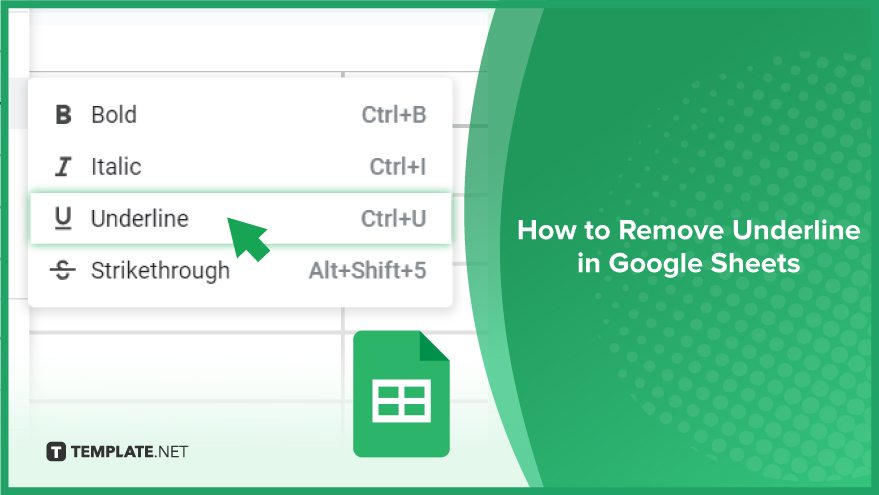
How to Remove Underline in Google Sheets
Google Sheets not only excels in data management but also offers flexible text formatting options, including the removal of underlines. Ideal…
Feb 12, 2024


Apr 01, 2024
Are you a business owner trying to get feedback from your customers through a fillable business forms? Or are you trying to create a survey to improve the customer experience? Are you planning to give an online quiz to your students to test their knowledge of their lessons? Or are you a teacher trying to give a practice test or a student that tries to answer one? Are you in the human resource department and are trying to gather applicants through an online application? Or do you have an event coming and are in need of an event registration form? All these questions and more can be answered by the use of a Google Forms. This software program provides tools and solutions for your quizzes, surveys, questionnaires, and other forms. See the full article to discover more about Google Forms!
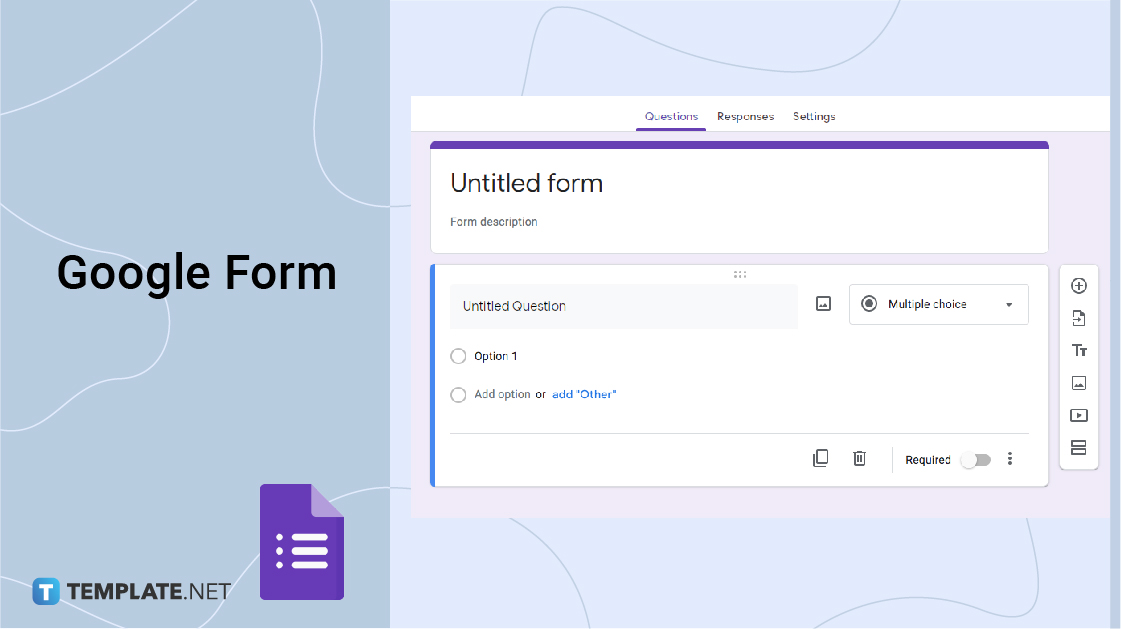
Google Forms is a software program for online quizzes, surveys, and information crowdsourcing.
Google Forms allows you to create online tests, surveys, questionnaires, and other forms of information crowdsourcing. This program is part of the Google Workspace and serves solutions, particularly for your survey administration and form needs. Google Forms is equipped with drag-and-drop features, ready-made templates, question customization, and other tools needed to create surveys and forms.
Google Form- Google Forms is responsible for the creation and sending of online surveys, forms, quizzes, questionnaires, and other information crowdsourcing tools. Google Forms This program is the first-hand retriever of information which will then be stored in the Google Spreadsheet. Easy and accessible alternative to survey-based software like Surveymonkey, Airtable, and GravityForms. Google Forms also has a user-friendly interface that allows users to be creative with their outputs. This program allows the addition of images, URLs, files, and other audio-visual content.
Google Spreadsheet- Google Spreadsheet is a spreadsheet program that is equipped with tools and functionalities for data analysis, mathematical use, and documenting different information in a single dashboard. Google Spreadsheet is where responses from the Google Form are generated and saved. This is a single visual representation of data and information.
Both Google Forms and Google Spreadsheets are part of the Google Workspace which allows easier access for those who need them anytime, anywhere, and on any device. The availability of these two in one platform allows efficient and faster operations. Both of these platforms also allow hassle-free collaboration between different individuals in real-time. Since both are Google apps, they can be easily converted to other Google apps like Google Docs.
Google Forms offers wonderful opportunities for its users. This program provides benefits and features that maximize every use. Among these are:
Google Forms is furnished with a user-friendly interface. This provides ease and makes efficiency in the whole process of creating, editing, and customizing a quiz, survey, or form. With this buzz-free interface, the gathering of information will now be easier, faster, and a better experience.
Google Forms can be used for free with only your Google account. This perk is its niche among other survey-based applications. Google Forms offers unlimited access, unlimited use of forms, and different ways to share and distribute them.
By its nature, Google Workspace is created to easily collaborate among team members wherever you are in the world. Google Forms properly executes that with its real-time collaborative feature.
The beauty of Google Forms is that it integrates with Google Sheets for faster, easier, and more efficient data analysis. This program is poured with easy access and exporting of data to Google Sheet, and other Google apps.
Google Forms is equipped with various features such as integration with Google Sheets and other GSuite programs, customization of questions like a multiple-choice question, or a paragraph form, etc. a variety of modes in answering, the addition of URLs, images, characters, uploading files, plug-ins, add-ons, and other tools for beautification and proper execution of every quiz, survey, or form.
This program is showered with ready-made and professionally-made templates of all types, however, you can also delve into your own creativity by choosing the right color for overall effect, the perfect view for higher completion rate, inserting a good photo for added context, and creative elements for the overall form quality.
Google Forms like other Google apps can be used and enjoyed anytime, anywhere, and across any device especially on your mobile phone. As of now, Google Forms do not have an app yet so you can access Google Forms on mobile through your chosen web browser. With this feature, creating a form online will be a walk in the park.
Google Forms offers easy and efficient sharing options to cut you off some slack. The main options are sending via email, shareable URL, and embed HTML. You also have the option to directly send the form on social media, such as Twitter and Facebook. A QR code option is also available as an add-on for easier and more efficient sharing of forms.
One very useful feature of the Google Form is the ease of generating the responses or answers, Google Form Responses is in-charge of that. This feature makes it easier for users to see the gathered, tabulated, graphed, and charted answers and hassle-free retrieving of responses. With this, it is much easier to generate conclusions, check the right answers, and analyze data.
Just as how quizzes are hard to answer, they are also challenging to make but with Google Form Quiz, you are able to create auto-graded and effective quizzes in minutes. This program is used to easily assess and understand your respondents’ knowledge, easily grade them, provide answers and feedback, and reply to their responses.
With the advent of digital information gathering, a variety of programs and software are now available in the market. Each is equipped with functionalities and features that are better than the other, while some are proven and tested through time. Two of these are Google Forms and Typeforms.
Google Form is an efficient, functional, simpler, and straightforward approach to survey making, online form creating, and other applications. This program supports auto-fill on saved data which is an efficient feature for respondents. Google Forms offers you the most out of everything, even in its free form. You have unlimited use and responses forever. And Google Form is the proven and tested path.
Typeform, on the other hand, is a form building an online survey creator equipped with different templates and solutions on quiz maker, survey marker, form builder, poll, and test maker. This program aims to get more meaningful answers, foster engagement, and have higher completion rates through their more colorful and creative templates. Typeform’s edge is its aesthetics and fun features that can be enjoyed in only three easy steps- create, share, and get results. Typeform ensures easier filling out options for respondents. Although, Typeform has limited features in its free form, such as a limited response.
With its mighty, Google Forms is indeed something useful and efficient for everyone, hence below are some tips and tricks to get the most out of your Google Form use:
Google Forms is a wonderful tool to use in many different things. We got you, as we listed different guides for you to choose for that improved experience. Read all of them below:

Google Sheets not only excels in data management but also offers flexible text formatting options, including the removal of underlines. Ideal…
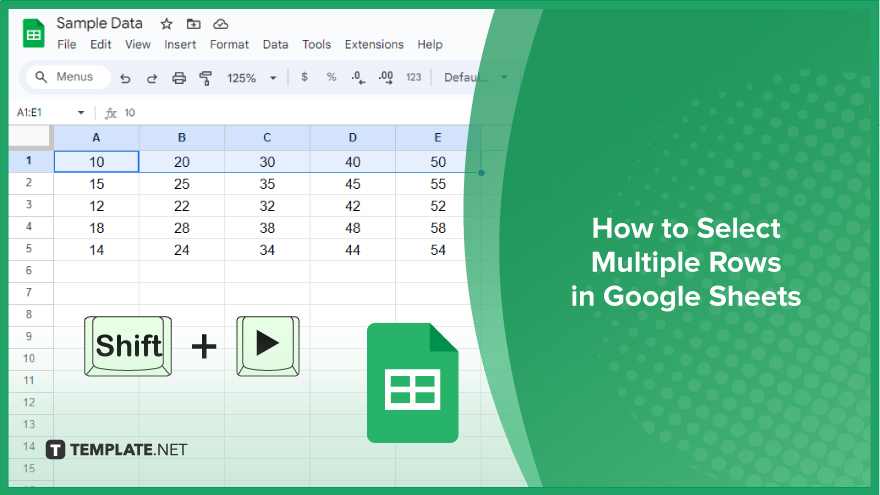
Google Sheets offers a wide range of features that can help you organize, analyze, and manipulate data effectively. One…
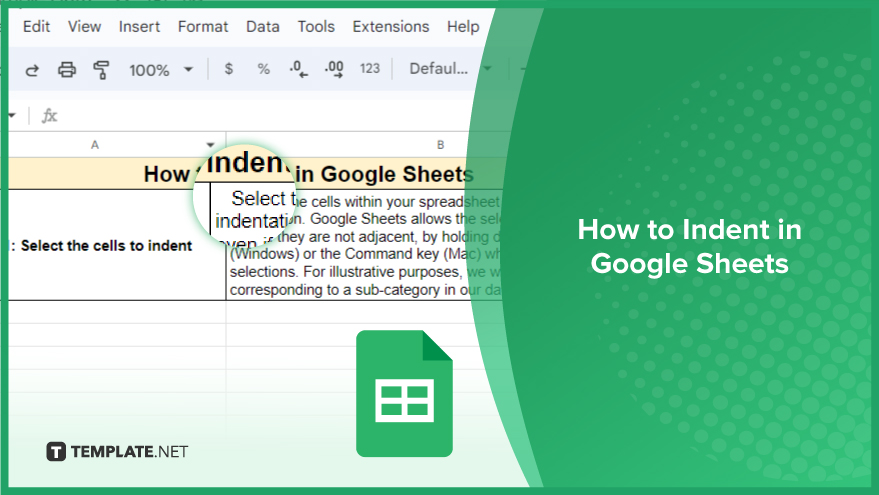
Indentation in Google Sheets is a handy feature that can significantly enhance the readability and organization of your…
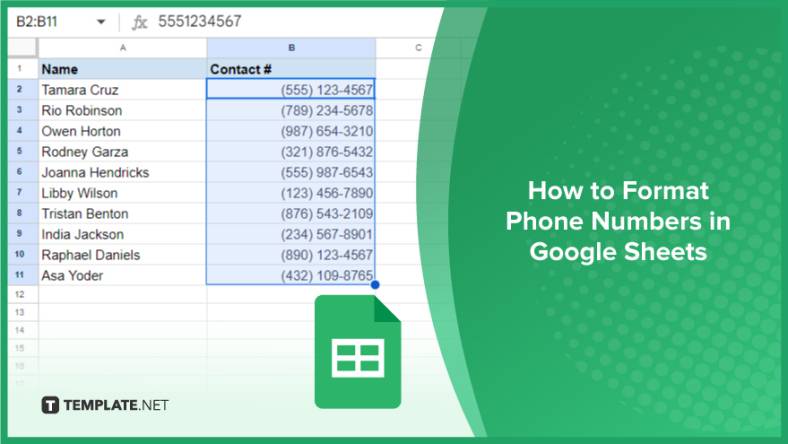
Google Sheets is a vital component of the Google Workspace suite that empowers users with diverse functionalities for efficient data…
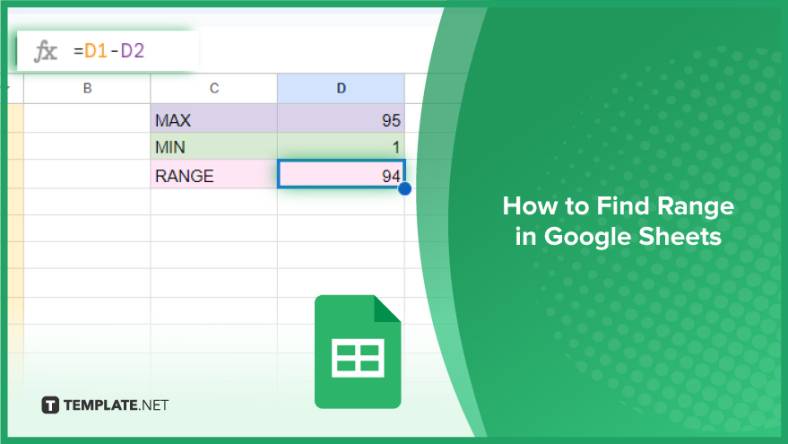
Google Sheets simplifies the process of statistical analysis, particularly in calculating the range of a data set. This guide will walk…
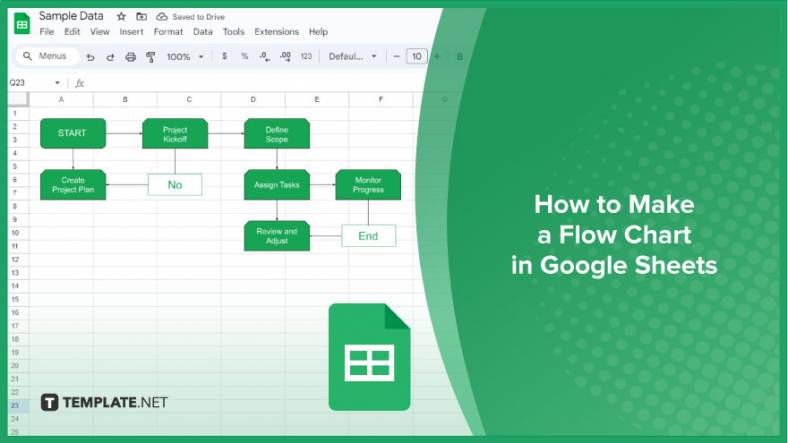
Google Sheets is a popular spreadsheet application that offers a variety of features that can be used to create flow…
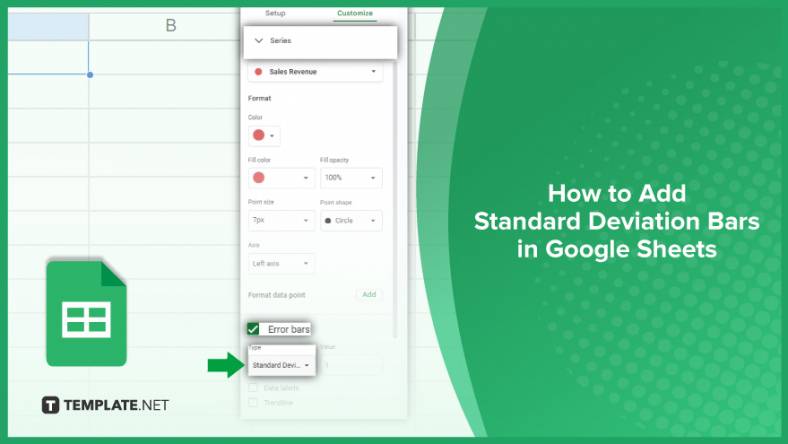
Standard deviation, a key statistical measure for gauging data variability, plays a crucial role in fields like finance, science, and…
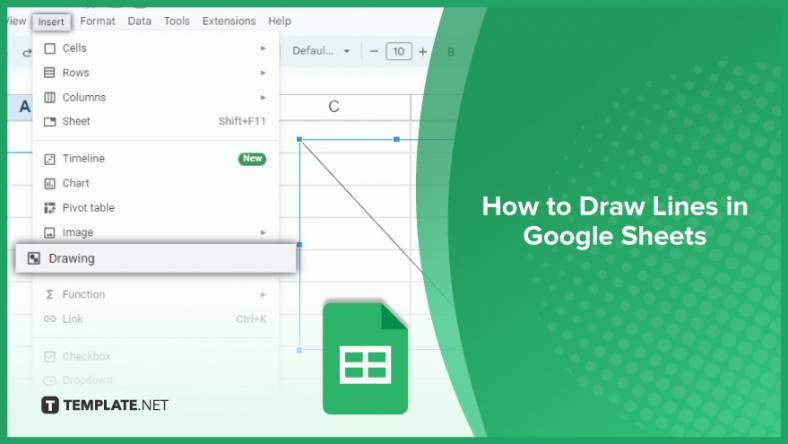
Google Sheets is a versatile spreadsheet application that allows for a variety of formatting options, including the addition of lines. This…

Personal loan trackers are one of the ways people can manage the finances of their property and gain financial power…