

How to Remove Duplicates in Apple Numbers
Apple introduces Apple Numbers as the ultimate online spreadsheet program for Mac or iOS users, and it serves as an…
Apr 05, 2023


Apr 16, 2023
Creating a booklet is one of those jobs that Apple Pages was made to undertake. Since the beginning of Apple Pages, document publishing has significantly contributed to the program’s growing popularity and commercial success.
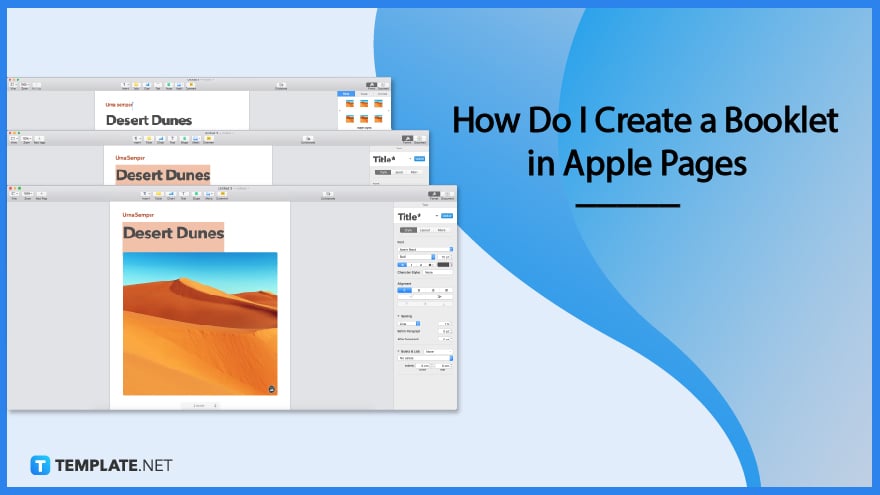
If you want to print out an elaborate book project or produce a booklet for an event, you should explore using the pre-built page settings for booklets that come with Apple Pages. Your masterpiece will be printed out in the appropriate sequence by the software, and it will be completely prepared for folding and binding when it is done. Using Apple Pages, you can create a booklet in a few easy steps, which are as follows:
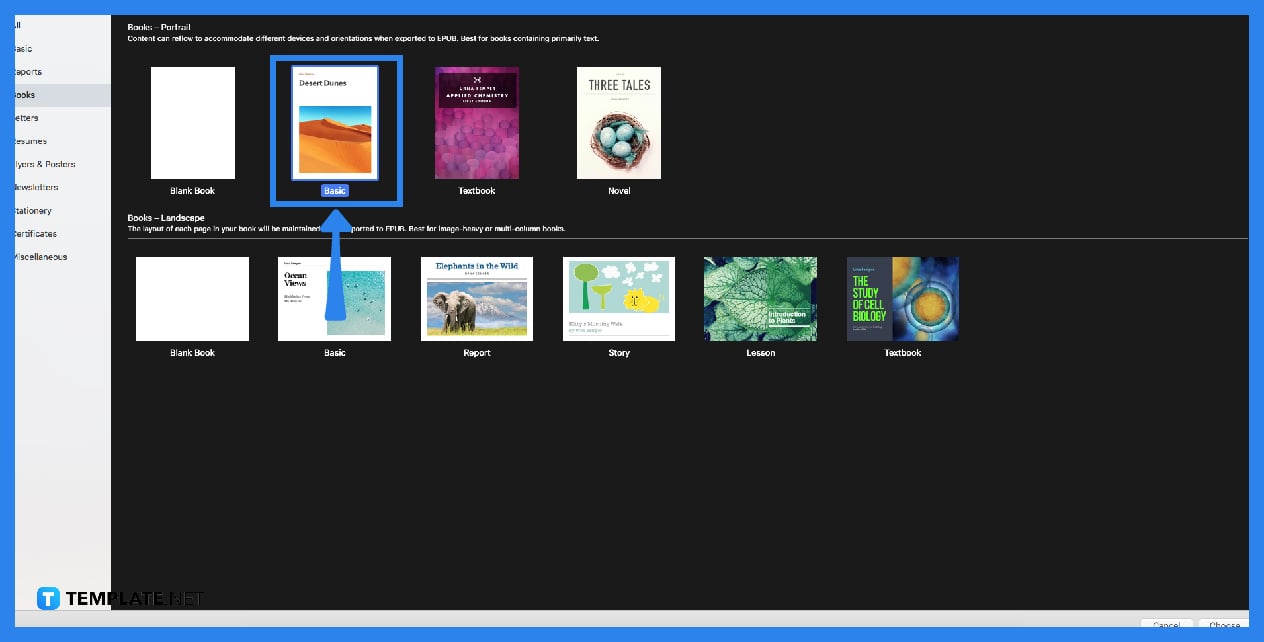
To make a booklet, you first need to go under Pages and change the page size. If you want the document to be A5, use the A5 paper size rather than the A4 size with two pages, that is the default.
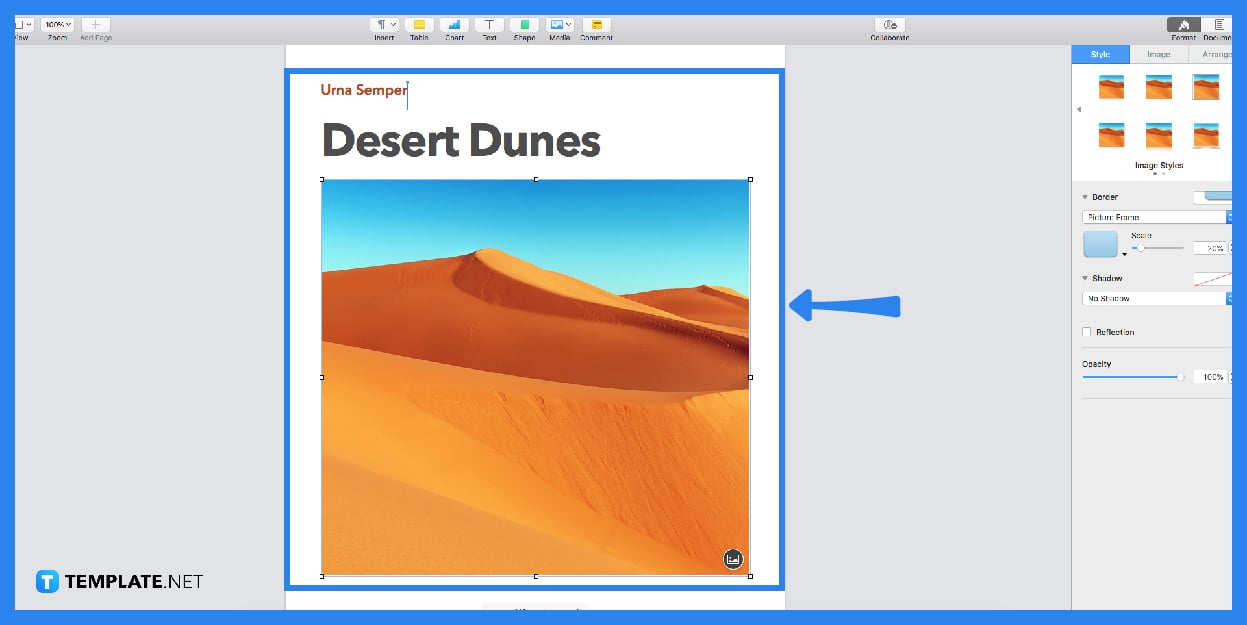
You should get started authoring your booklet’s content and adding any required photographs. Set up the layout in a way that is most effective for the booklet document you are working on.
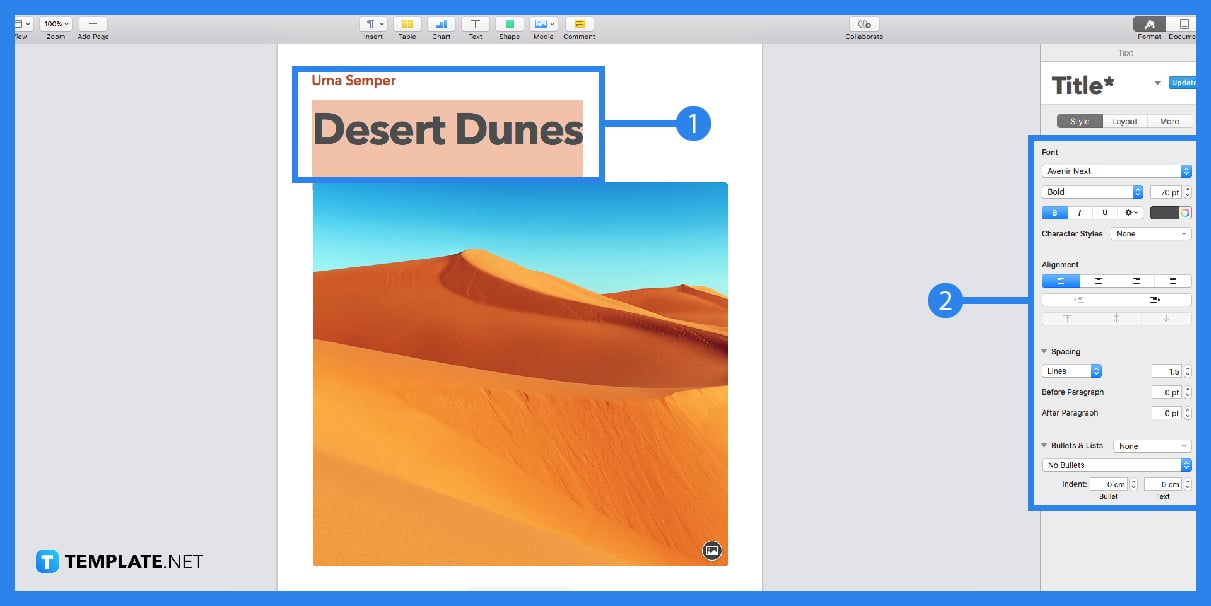
Make the booklet and assign page numbers to each of its pages. Check out the Facing pages option in the Inspector palette by going to the Document tab. Increase the space between the inner margin and the text.
When you are finished, the first step is to save a document in Pages so you will have a copy you can edit. After that, select Create booklet by going to File > Print > PDF button. After that, you will be provided with a unique PDF file, which you are free to print whenever you like.
When discussing products and services in the context of marketing, the term “booklet” most often refers to a compact brochure with paper covers that contains fewer pages than a traditional book.
The purpose of a booklet is often to provide information for new as well as existing customers.
Your booklets can be viewed online, so there is no need to actually print them out as you do with the vast majority of books that you can read online, and you do not need to worry about the number of pages, the thickness of the covers, or the physical dimensions of your small book.
A booklet that is accessed online does not need to have hardcovers, and you do not have to wait for it to be printed; in addition, it functions in the same manner as a conventional booklet.
A booklet is a type of “small book” that typically measures 5.5 inches by 8.5 inches, has a lower page count (often up to 36 pages), and is, in most cases, saddle-stitched.

Apple introduces Apple Numbers as the ultimate online spreadsheet program for Mac or iOS users, and it serves as an…
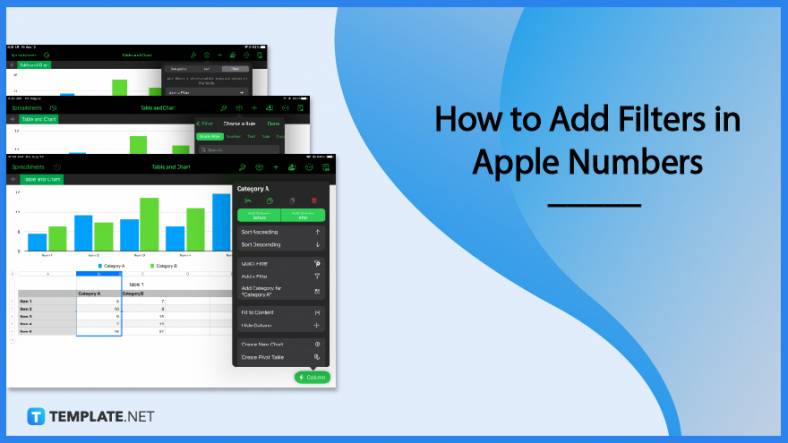
One of the key features of Apple Numbers and other spreadsheet software applications is the data filter tool. Adding filters…
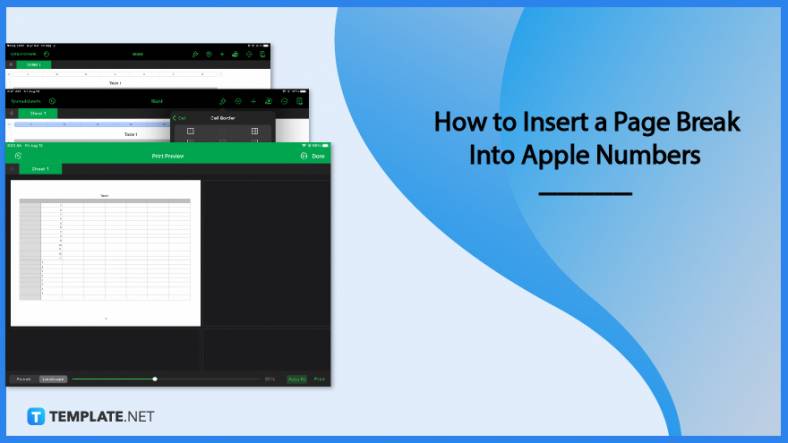
Page breaks are helpful to users because they can serve as useful guides for distinguishing between pages in any type…
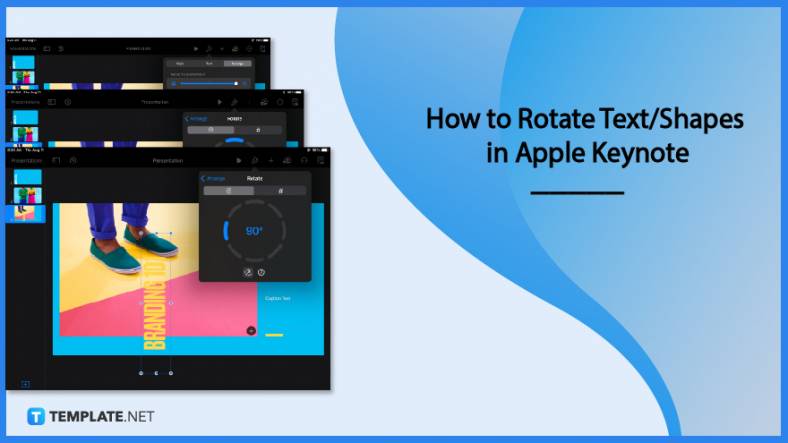
One of the many features of Apple Keynote is customizing the orientation of a text, shape, or any object. Simply…
![How To Make/Create a Drop Down List in Apple Numbers [Templates + Examples] 2023](https://images.template.net/wp-content/uploads/2022/08/How-To-MakeCreate-a-Drop-Down-List-in-Apple-Numbers-Templates-Examples-2023-01-788x443.jpg)
Creating a drop down list is relatively easy if you are using a spreadsheet application like Apple Numbers. Spreadsheet applications…
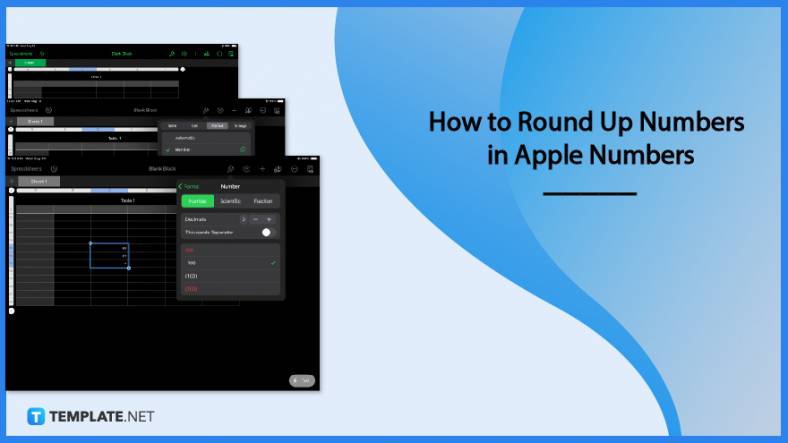
Rounding up numbers is fairly easy and straightforward in mathematical theory. But if you are using a spreadsheet application like…
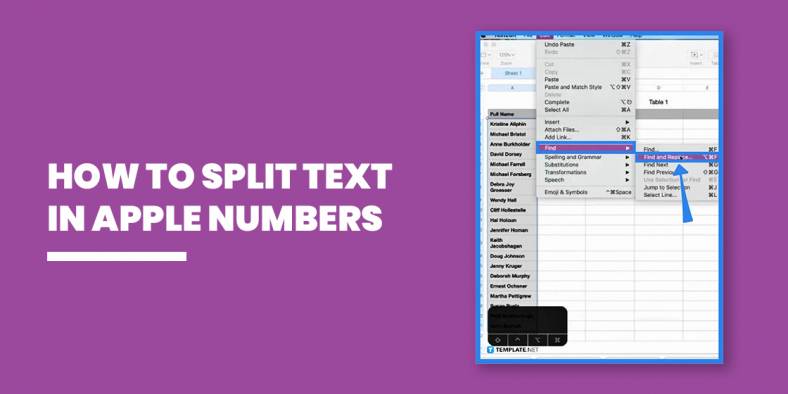
Apple Numbers is Microsoft Excel’s competitor with a similar function. On Numbers, you can create spreadsheets to organize data that…
Apple Final Cut Pro is a software that professional and personal users use for seamless video enhancing and editing of…
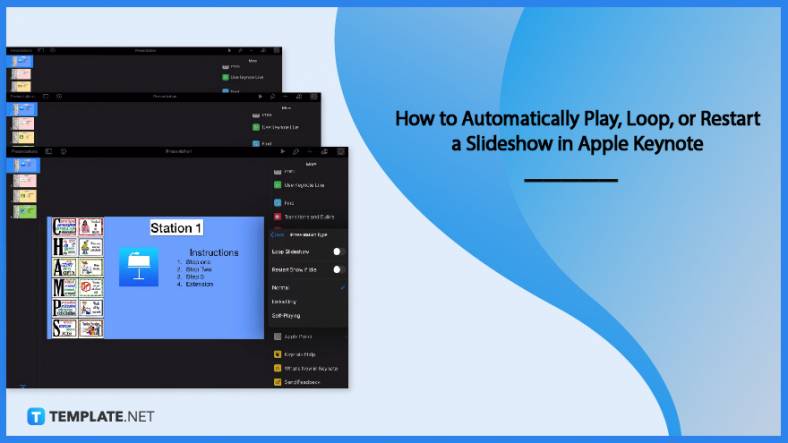
Apple Keynote is a slideshow creating and rendering program that many Apple users enjoy. Aside from simply playing a slideshow…